
Updating your details
Account admins can see the details we have for you under Account, then Your details:
- Billing contact: their name and email.
- Invoices go to: the email addresses we send your invoices to.
- Invoice address: the address printed on your invoices.
Anything we don't have says None on file.
Something wrong or changed?
Moved office, new billing contact, or something else to change?
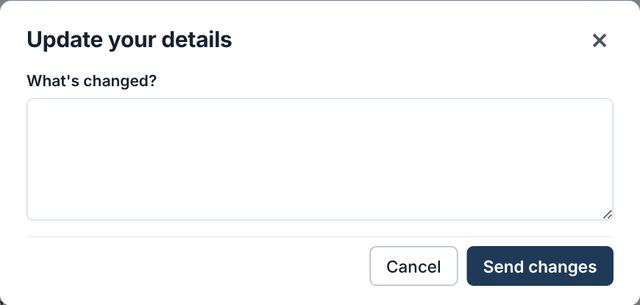
- Choose Account, then Tell us if it's wrong (under Your details).
- Tell us what's changed.
- Choose Send changes. We'll update your details and let you know if we need anything else.
For changes to a line or mobile, use Ask for a change next to the line in Your lines, or the Mobiles page.
Still need help?
- Call us on 01270 814 814
- Email support@intellect-comms.com
- Customers can sign in to the customer portal to report a fault, see invoices and manage their services.