
Protecting your sign-in with an authenticator app
An authenticator app adds a 6-digit code to your sign-in, so nobody can get in with just your email.
Turning it on
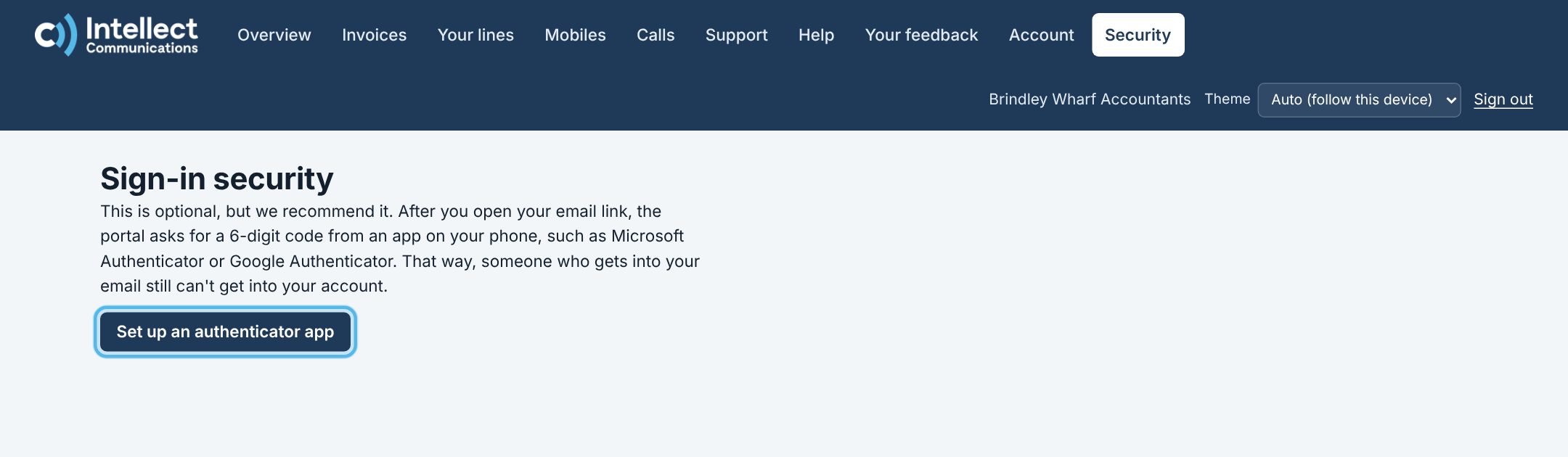
- Choose Security, then Set up an authenticator app.
- Scan the QR code with Microsoft Authenticator, Google Authenticator or a similar app. (Can't scan it? Type the key shown instead.)
- Type the 6-digit code it shows.
- Save your 10 backup codes somewhere safe, such as a password manager. Each works once if you can't use your phone.
Lost your phone?
Type one of your backup codes instead of the code. No phone and no backup codes? Contact us and we'll reset it.
Your business may ask everyone to use an authenticator app. If so, you'll be asked to set it up the next time you sign in.
Still need help?
- Call us on 01270 814 814
- Email support@intellect-comms.com
- Customers can sign in to the customer portal to report a fault, see invoices and manage their services.