
Paying by Direct Debit
Direct Debits are handled securely by GoCardless and protected by the Direct Debit Guarantee. We never see or store your full bank details.
Setting it up
When you sign up and choose Direct Debit, you're taken to GoCardless's secure page to enter your bank details. If you didn't finish, we email you the link.
When we collect
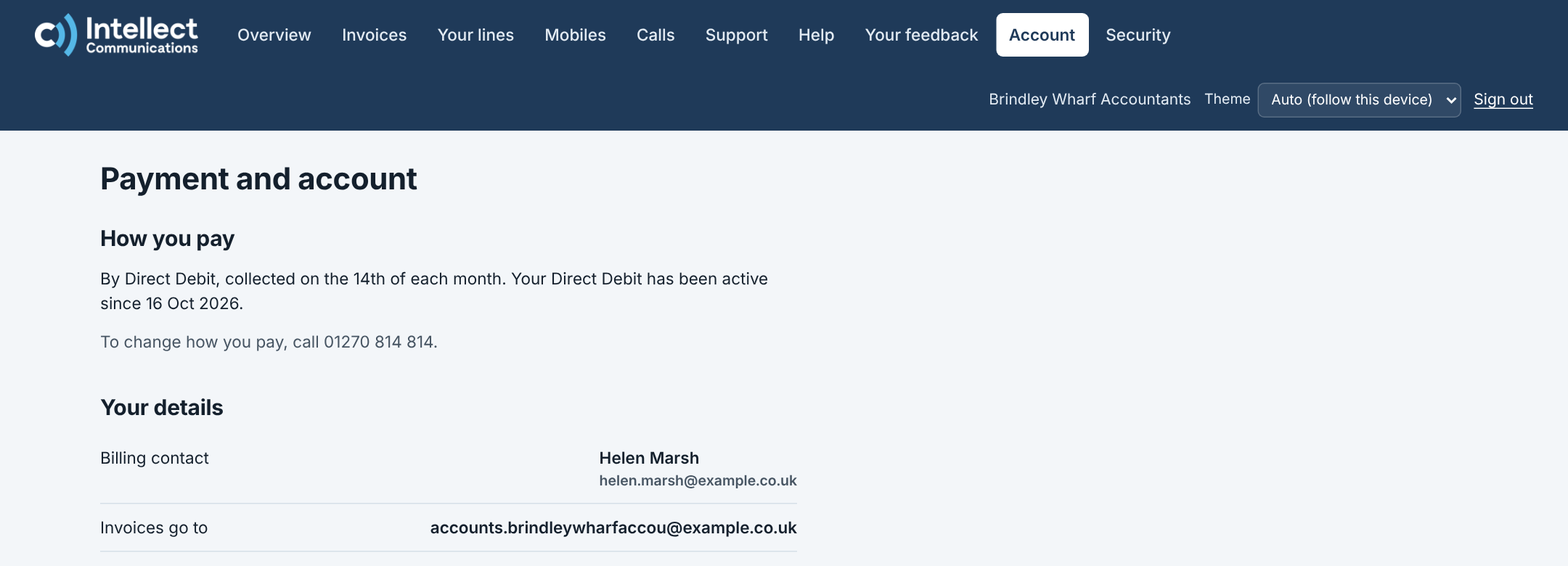
Account shows how you pay and, for Direct Debit, usually the day of the month we collect on. Each invoice gives the date: Collecting by Direct Debit on [date] in the portal, and "collection due on or just after" that date on the invoice. While it's waiting to be collected it isn't overdue, and there's nothing you need to do. Account admins also see the next Direct Debit under Key dates on the Overview.
Changing your bank details
Account admins can go to Account and choose Change your bank details (or Set up a Direct Debit). Your new details take over straight away. If you can't see the option, contact us and we'll send you a link.
Paying by bank transfer
If you pay by bank transfer, our bank details are on the Account page and on every invoice. Please use your invoice number as the reference.
If a payment fails
We'll try once more and email you. Please make sure there are funds in the account, or contact us if your bank details have changed.
If your Direct Debit is no longer in place
If your Direct Debit has been cancelled, we can't collect invoices that were waiting for it. We may move those invoices to bank transfer instead. If we do, we email you with the invoice number, the amount, our bank details and a new due date. Please pay by that date, quoting the invoice number as the reference. The invoice then shows the new due date in the portal, and it won't be collected by Direct Debit.
To start paying by Direct Debit again, choose Set up a Direct Debit on the Account page if you can see it, or contact us for a link.
Still need help?
- Call us on 01270 814 814
- Email support@intellect-comms.com
- Customers can sign in to the customer portal to report a fault, see invoices and manage their services.